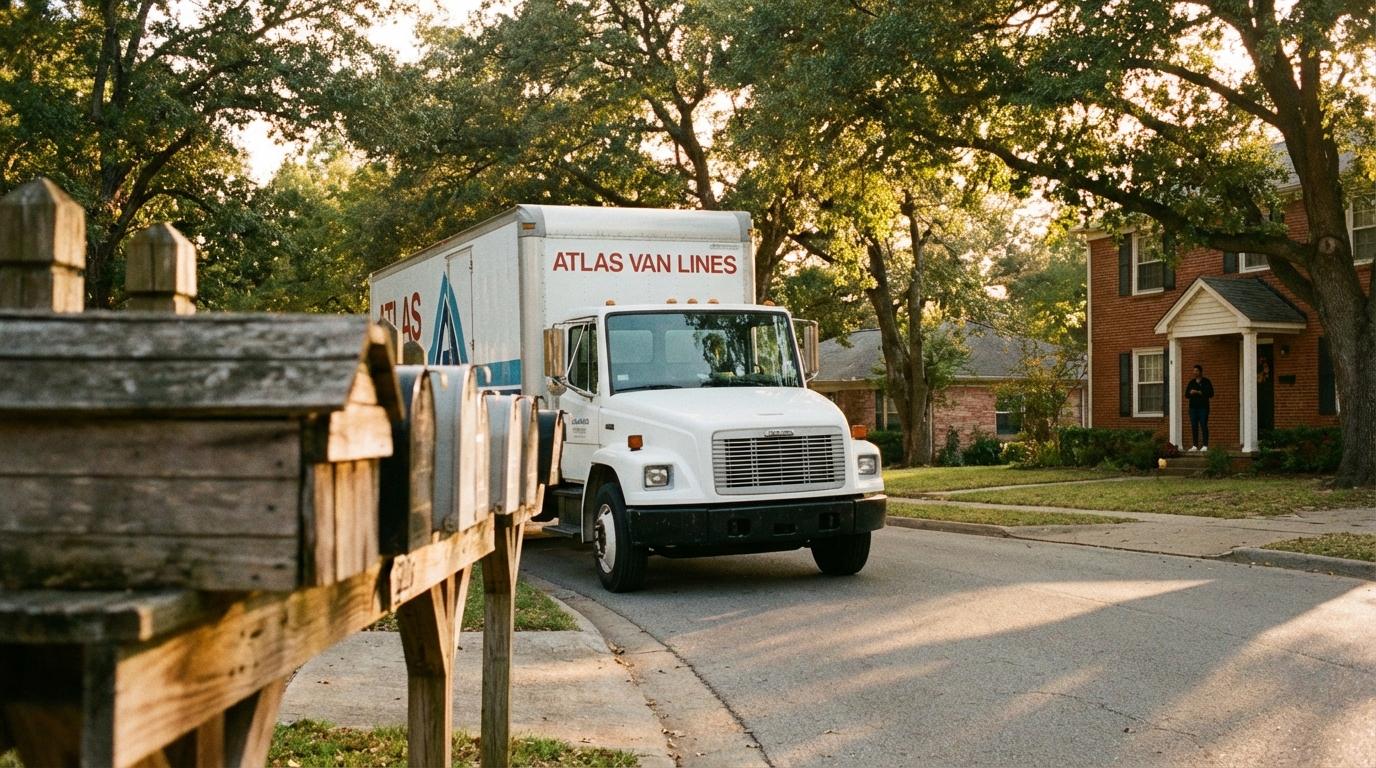
I spent one summer answering the phone at my uncle Dev’s moving company, and I did not expect most of my day to go to a single question. Where’s the truck? (Not “how much” or “do you take pianos.” Just that.) By August I could tell it was coming from the first second of a call, from the breathy politeness of someone standing in an empty kitchen with the coffee maker already packed.
Dev ran three trucks out of a lot behind a tire shop near Columbus. When a customer called, I didn’t know where the truck was either. I’d text the crew lead and wait, and if I was lucky I got back “almost there,” which I passed on with more confidence than I had. A while later the same customer would call again, because “almost there” had come and gone and their driveway was still empty. So I’d text the crew lead again, and he’d pull over to answer me.
Half the time the crew lead was guessing too.
What should a customer actually see?
My first instinct was to give customers everything, speed and stops included. Dev talked me out of that in about a minute. If the crew pulls into a gas station for sandwiches, a customer watching a raw feed sees the truck sitting still for no reason, and the call you get after that is worse than the one you were trying to prevent. What people want on moving day is smaller: the crew getting closer, and a rough idea of when they’ll show up.
Decide before the first job what you’re comfortable with customers seeing (and tell your crews, because they will ask). If a crew lead is nervous about being watched, show him the customer’s screen on your own phone before you send a single link. Most of Dev’s guys would have signed up on the spot for anything that meant fewer texts from me.
The dot is a person
Konvoyage, which is what I’d set Dev up with today, puts nothing in the truck. It follows a phone, which is the same argument for tracking construction crews by phone instead of with boxes bolted to their trucks. The crew lead either starts a trip on his Android and taps “Share live view,” or taps “Share my drive” and types the customer’s address into “Where to?”. Either way the link goes out through his phone’s share sheet. It opens in a browser, and the customer doesn’t need the app or an account. What they get is a dot with his first name on it, a pin at their house, and an arrival time written as a clock time. Speed isn’t shown (which I like), and the customer can’t message the crew through the page.
The catch is obvious once you say it out loud. If the crew lead’s phone rides in the cab, the dot is where the truck is. Should he peel off in his own car to grab extra boxes (Dev’s guys did this constantly), the customer is following him instead of their furniture. And when the whole crew is in the same trip, the page shows every one of them as a separate dot, and a customer who expected one truck may call to ask why there are four.
Pick one phone per job and make it the one in the truck.
Dead zones, and the time on the screen
Rural moves were Dev’s least favorite, mostly because of the signal. When the phone loses its connection, the customer’s page labels that person “no signal” instead of pretending he’s still moving, and the phone keeps recording where he goes and sends it once it reconnects. That’s fair to the customer, but someone staring at “no signal” for a long stretch is going to pick up the phone anyway. If you send crews into spotty country, put a line in the confirmation email warning that the map can go quiet on back roads.
The arrival time comes from the crew lead’s phone, so you can’t pad it the way I used to pad a verbal estimate. Promise customers a window, keep it wide, and only send the link once the crew is really on the way to them. An arrival that lands early in the window never upsets anybody. When the page shows a time past the end of it, the customer knows about the delay as soon as you do, so your office should call them first. And if the crew has to stop for fuel first, send the link after the stop, or the time will jump around and look like a mistake.
There are also customers I wouldn’t send it to at all. A man who once called me about his piano on the hour, every hour, would have watched that dot all morning and called about every pause. Your office knows who those people are by the second phone call. For them a promised window and one call from the crew lead on the way is plenty.
Start with two crews
Try it with two crews for two weeks before anyone writes “live tracking” on an estimate. Keep a tally sheet by the office phone for every where-are-you call, before and during. Train the office first, though. A customer who gets a link and calls with a question about it needs someone on the other end who has actually seen the page.
Dev retired before any of this existed, and his nephew (not me) still runs the lot with a group text and a lot of patience. If you own a moving company, how many of this morning’s calls were about where the truck was?